How Stripe helps us provide the best possible booking experience
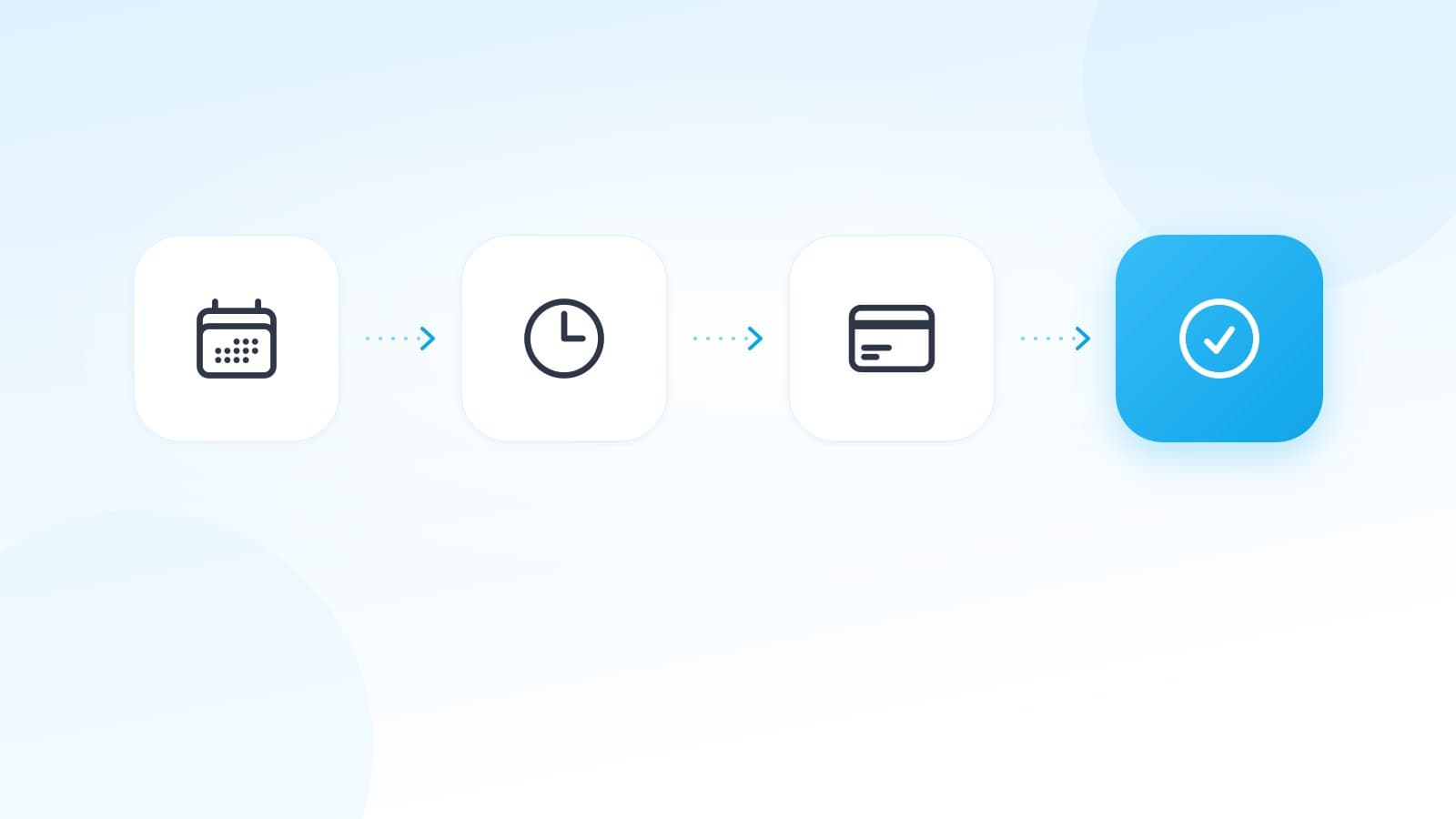
Booking a session with Psychofit means picking a slot, paying and getting the appointment. In between sit a reservation, a Stripe checkout and a webhook, and we built all of it ourselves. Since February 2026 it runs without Calendly. Stripe has been our only payment provider since our first payment in March 2024.
This post explains why we built it this way and which decisions mattered once it was running. It is for anyone planning something similar, and for anyone curious about what happens after clicking "Pay now".
Who we are
Psychofit offers low-threshold online psychological counseling for self-payers in Germany. It is psychological counseling, not psychotherapy, and it is not covered by statutory health insurance. Psychofit was founded by two people, and we build the platform ourselves. Counseling is provided by psychologists with at least a bachelor's degree from our partner network, under the supervision of licensed psychotherapists. We have been fully bootstrapped since 2023, with no outside funding.
We aim to be the best offer of its kind in Germany. What we base that on is set out in our price promise, and why we do it in our mission and vision. The reason behind it is the long wait for therapy in Germany. Current prices are on our pricing page.
The backstory: Stripe yes, Calendly's payments no
Our first payments in 2024 ran through Stripe Payment Links, linked in Calendly's booking confirmations. We did not use Calendly's built-in payments because they could not offer cards and PayPal side by side.
Calendly confirmed this several times in its own community. In November 2023 the answer was that its Stripe integration only takes card payments (Calendly Community, November 2023). In February and March 2024 it was that an event type can be connected to Stripe or to PayPal, not both (February 2024, March 2024). Apple Pay and Google Pay only arrived in Calendly's Stripe integration in June 2025 (Calendly Community, June 2025).
Payment Links solved it for us: one payment form with every method we had enabled in Stripe. As late as January 2026 we tried Calendly's payments a second time and ended up with the same choice, card or PayPal. We never switched it on.
| When | What happened |
|---|---|
| March 2024 | First payment through Stripe Payment Links, linked in Calendly's confirmations |
| January 2026 | Second attempt with Calendly's built-in payments, never switched on |
| February 2026 | Calendly replaced by our own booking system, with payment straight in Custom Checkout on psychofit.de |
Why Calendly is gone entirely
With Calendly, the booking ended on someone else's site. That also broke our measurement of whether a visit turned into a booking. In February 2026 we changed that.
The switch was a single commit on 14 February 2026: 55 files, 1,350 lines added, 4,517 removed. The webhook that translated Calendly appointments into our database alone had 1,009 lines. Since then, availability, slot calculation, reservation and booking are ours, and the checkout runs on psychofit.de.
The checkout on our own site
Our aim is the best booking experience we can build. That is why the whole path from slot to confirmation runs on psychofit.de.
During development we first tested embedded Stripe Checkout. On 20 February 2026 Stripe's product team emailed us, asked for feedback on this integration and introduced a new embeddable option. That was our cue to take a closer look. We went live in late February 2026 directly with Custom Checkout, the Payment Element and the Appearance API. For our clients it went straight from Payment Links to our own checkout.
For clients this means no jump to another provider in the middle of booking, Psychofit colors, a dark mode, and a saved card for the next appointment if they chose to save it the first time.
Embedded Checkout stayed in the code as a fallback, switchable in the admin area. Had anything gone wrong, it was one click away.
Six payment methods, all through Stripe
Clients can pay by credit card (Visa, Mastercard), Apple Pay, Google Pay, Klarna, SEPA Direct Debit and PayPal. Which methods appear is set in the Stripe Dashboard, not in code. Clients use all of them, in a real mix. Card and PayPal in one form: exactly that did not work with Calendly.

Seven decisions from running it
1. Three layers against double bookings
Two people must never get the same appointment. We check three times.
First, the reservation compares the slot against existing bookings, active reservations and the counselor's buffer times. The final word is a uniqueness rule in the database on counselor and start time. If a second reservation still gets through, the database rejects it. We then tell apart whether the same person clicked twice or someone else was faster. In the first case their existing reservation simply stands.
The third layer is about leaving the page. Closing the booking step releases the slot right away via sendBeacon. That signal also fires when the page changes during payment, so a reservation that already has a Stripe session is not released.
2. Two lifetimes for one reservation
A reservation holds for five minutes while the client is still choosing. Once a Stripe session exists, we extend it to 35 minutes to match the session's expiry (expires_at).
Without that extension, a cleanup job would delete the reservation while the client is still paying, and the webhook would find nothing afterwards.
3. Metadata as a safety net
Every Checkout Session carries the details in its metadata that let us create the booking even without our own reservation: counselor, appointment type and start time. If the reservation is gone when the webhook arrives, the webhook builds a replacement from them.
If that fails too, the team gets an alert email with the payment details right away. A payment without a booking must never disappear quietly into a log. Stripe allows 500 characters per metadata value, so we deliberately cut free text at 450.
4. Idempotency through the booking, not event IDs
Stripe can send the same webhook more than once (Stripe docs on webhooks). Before creating a booking we check whether one already exists for the session, and the reservation stores the session ID as a unique value. That way we need no separate store of processed events.
For the refund after a package cancellation we also send Stripe an idempotency key per package, and the package is closed before the money goes back. A repeated request can neither refund twice nor leave a balance behind.
5. The amount paid is the truth
We store the amount Stripe actually charged (amount_total), not the list price. Discounts, promotions and the reduced rate mean the two often differ. For one session package our reporting once showed 199 € while 159.20 € had actually been paid. Since then only what was really paid counts.
6. A used-up discount code does not break a booking
In Stripe, an automatically applied discount (discounts) and the field where clients enter a code themselves (allow_promotion_codes) are mutually exclusive. We set one or the other depending on the case.
If an automatically applied code is already used up or expired at the moment of booking, Stripe rejects the session. We catch that error and create the session again at the regular price. The client sees the actual amount before paying, and the booking does not depend on a discount.
7. Refunds: a daily sync instead of a webhook
We issue refunds in the Stripe Dashboard, and a daily sync brings them into our database. We deliberately did not build a webhook for this. It would need its own subscription in the Dashboard per environment, separately for test and live, and nobody notices a forgotten subscription. The sync runs with the key we already have and also picks up older refunds.
Three things we learned along the way:
- Ask Stripe once for all refunds in the period, not once per booking. Otherwise the job runs into its time limit.
- Keep live operation and catching up apart. The last 14 days always come first, older refunds up to a year back follow in small batches.
- Read the total from the charge (
amount_refunded), not from the single refund. Otherwise two partial refunds are each checked against the full amount, and neither reaches it.
Why Stripe is visible on our site
Every page shows the "Powered by Stripe" badge in its footer, and our checkout links to Stripe. A payment form needs trust, and Stripe takes a lot off our hands: the payment methods, the protection of card data, the bank confirmation via 3D Secure and the refunds. That leaves more time for what Psychofit is about: good counseling.
We have never worked with another payment provider and do not plan to.
All information in this article has been carefully researched but is provided without guarantee. Prices, waiting times, and legal regulations are subject to change. Last updated: September 2026.